Your own server
Your server. Your route.
The Exitru app installs VPN on your Linux VPS over SSH. You do not need an account or a subscription to our network.
- No Exitru account
- Continue without signing in and use your own server in the app.
- The app is free
- Rent your VPS from a separate provider and pay them directly.
- You are in control
- Choose your server, its location and the connection protocol.
Before you start
You need a Linux server and access to it. Setup happens in the app; you do not enter SSH credentials on this website.
- A Linux VPS with a public IP address and internet access.
- The SSH address, port, username and password or private key.
- A server account with permission to install software.
Server settings and network rules depend on your VPS provider. You can also import existing VPN access into the app without a new installation.
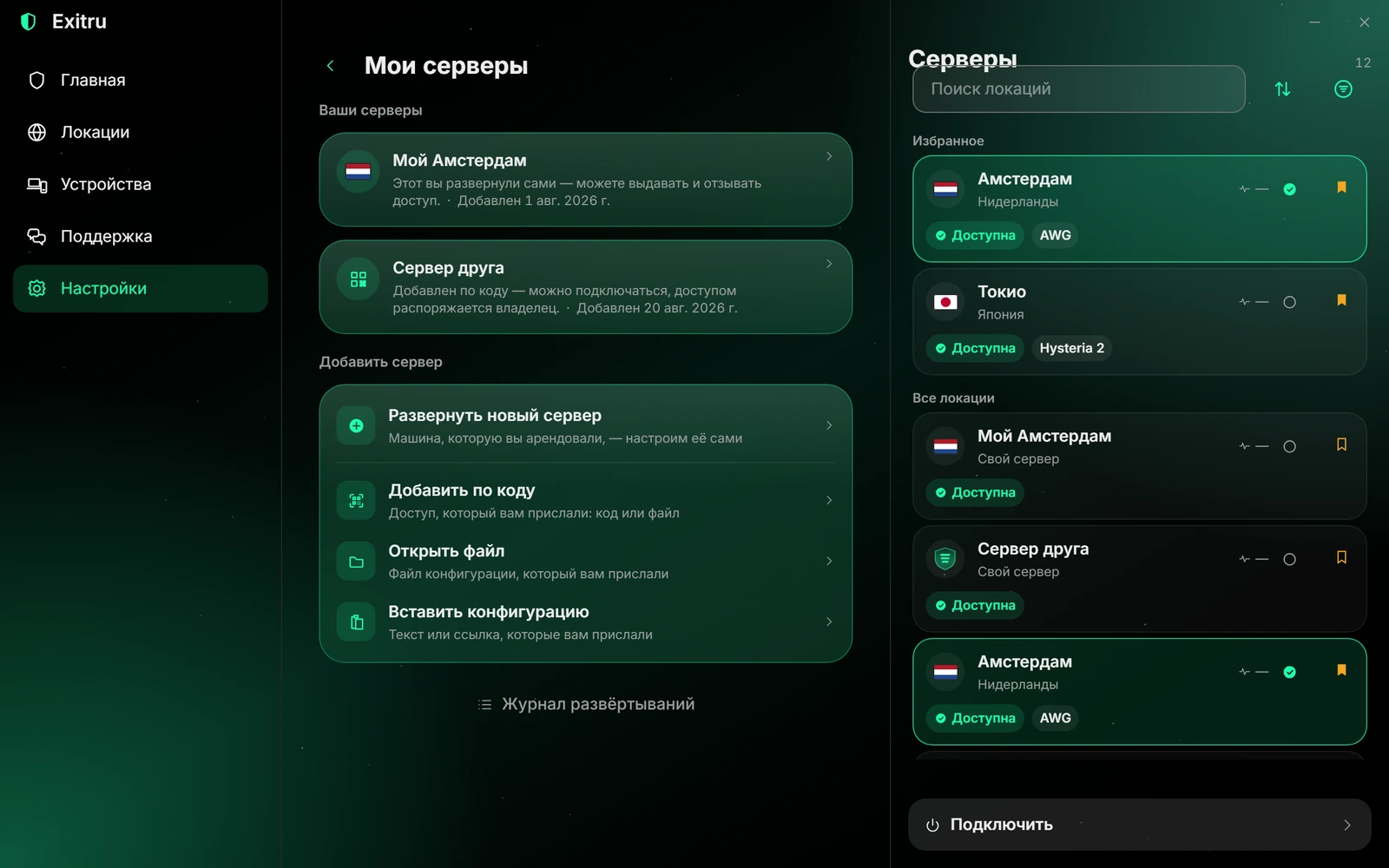
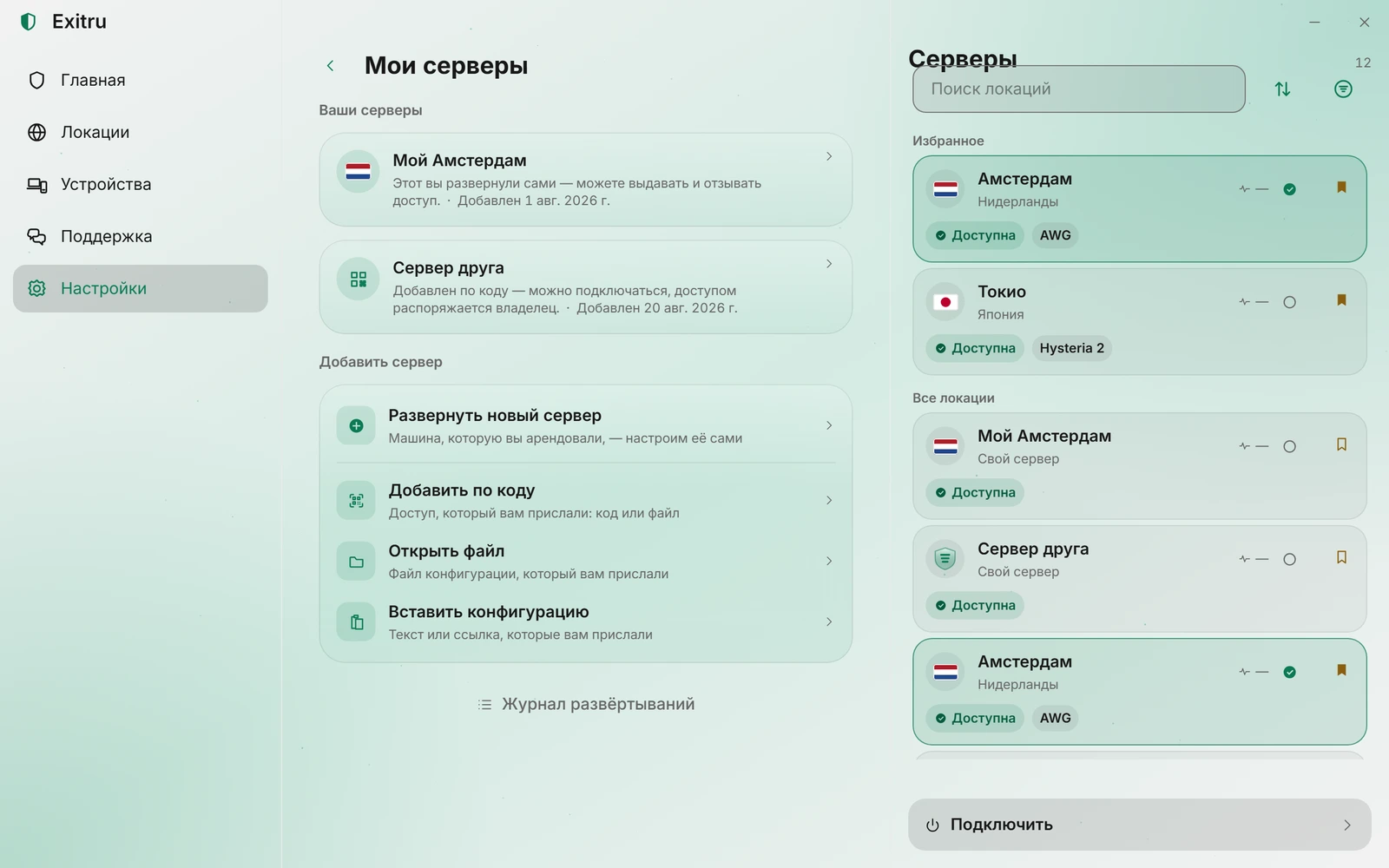
From VPS to connection
Prepare your server
Rent a Linux VPS and keep the SSH credentials supplied by your provider. Your provider sets the rental price and conditions.
Open the app without signing in
Install Exitru, continue without an account and open the option to add your own server. You do not need to register on this website.
Enter your SSH credentials
Enter the server address, port and login details in the app wizard. The app checks the connection before starting installation.
Choose a protocol and install VPN
Follow the wizard. Once installed, the server appears in the app: select it and connect. Protocol availability depends on your platform and app build.
- AmneziaWG
- VLESS / REALITY
- Hysteria 2