The exit is where freedom is
The app picks how to connect based on your network — there is nothing to set up. The addresses of the sites you open are never logged.
Sign up with an email and a password. No card needed.
How it works
Four steps, and it just works
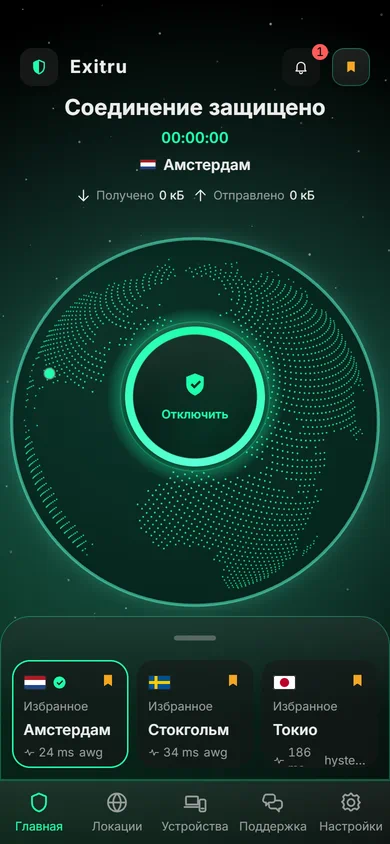
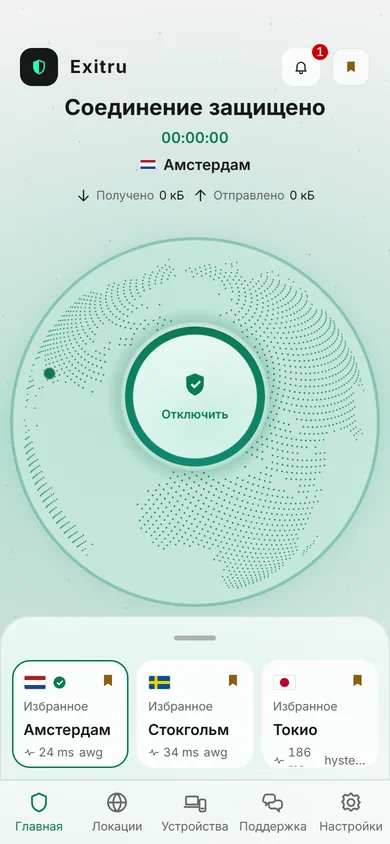
The app fetches its settings and picks how to connect on its own. All that is left for you is one button.
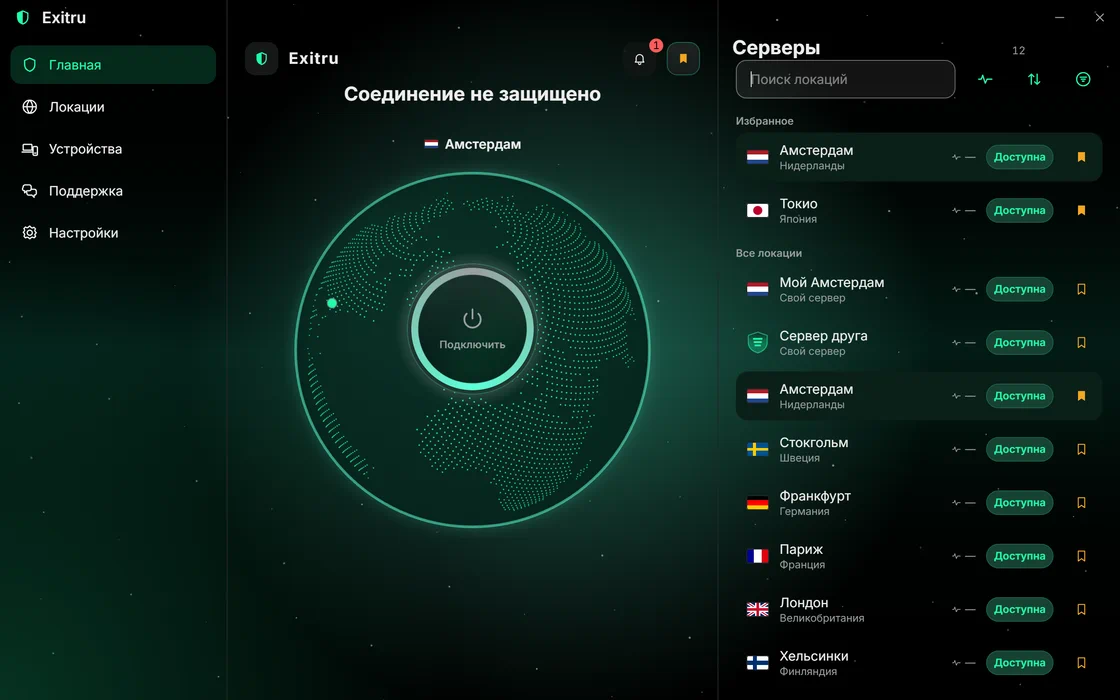
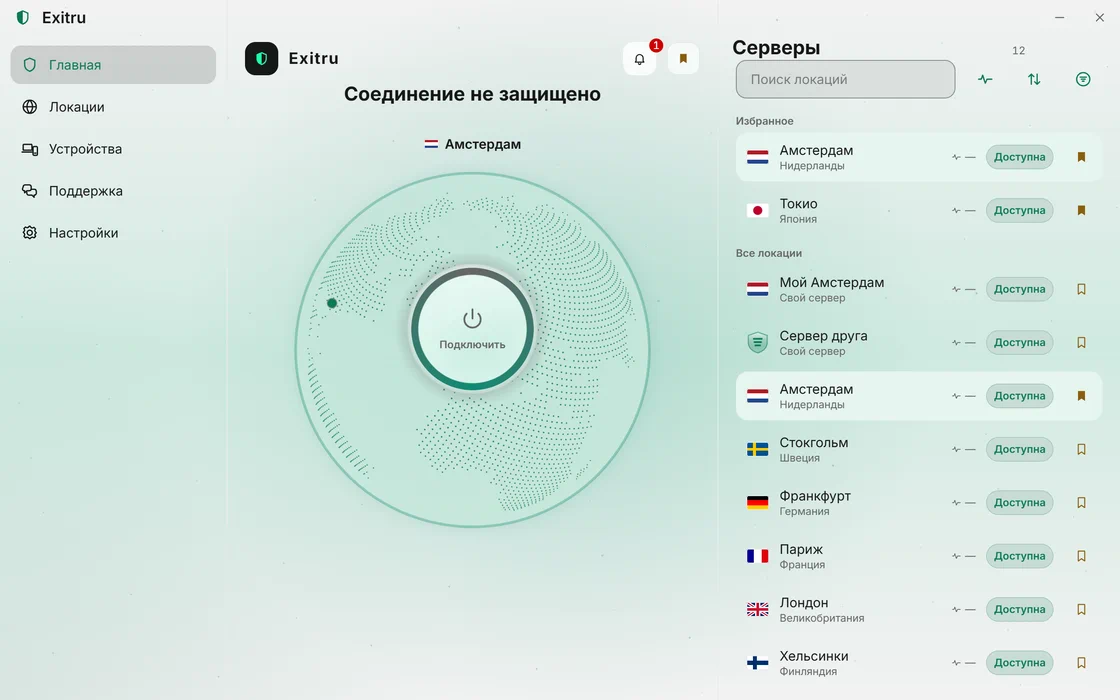
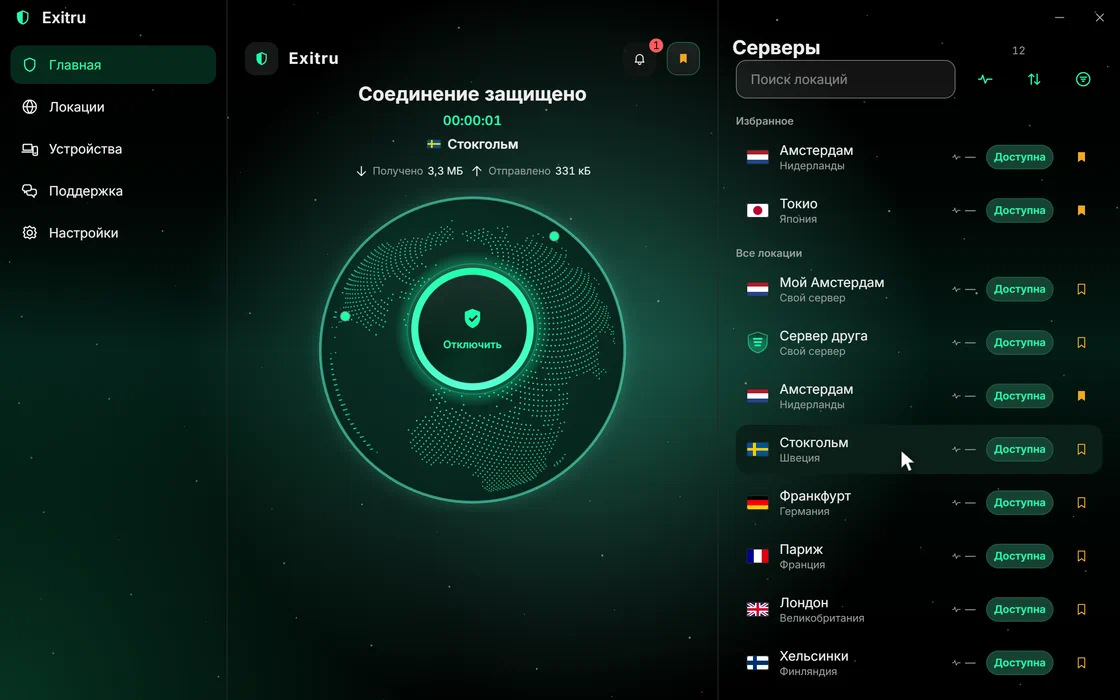
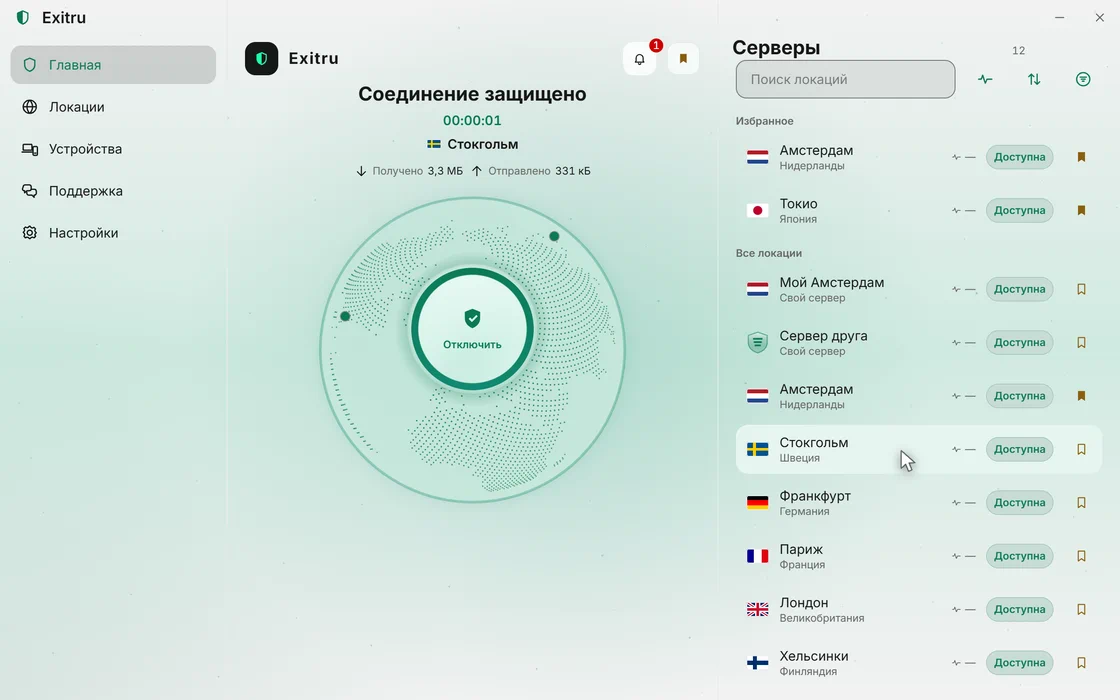
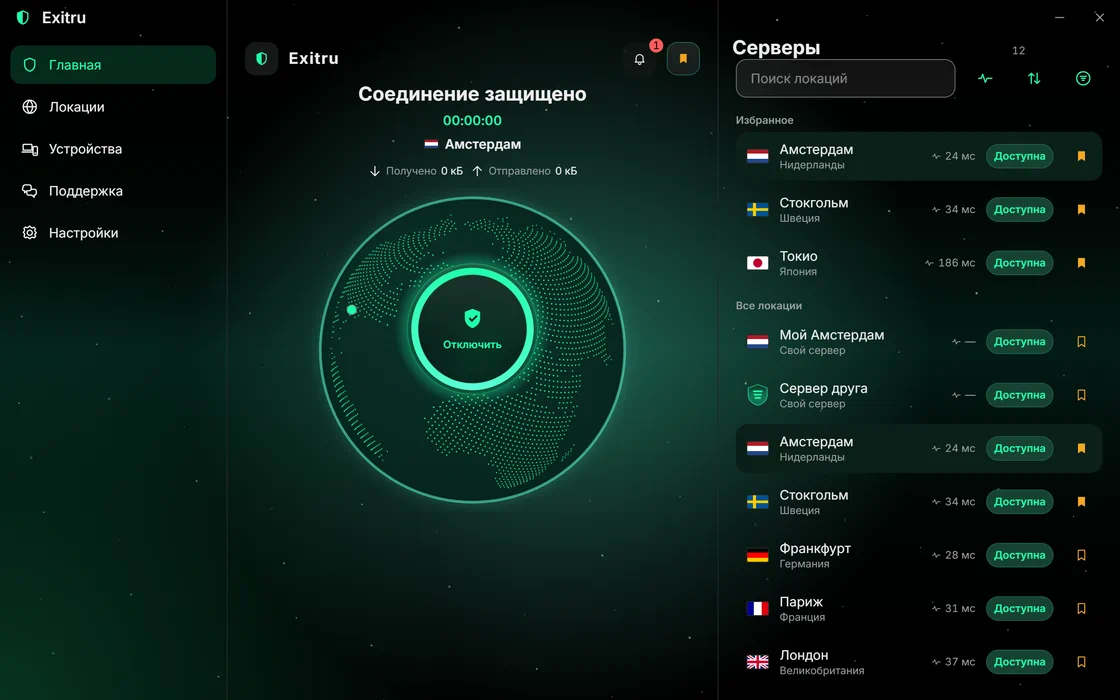
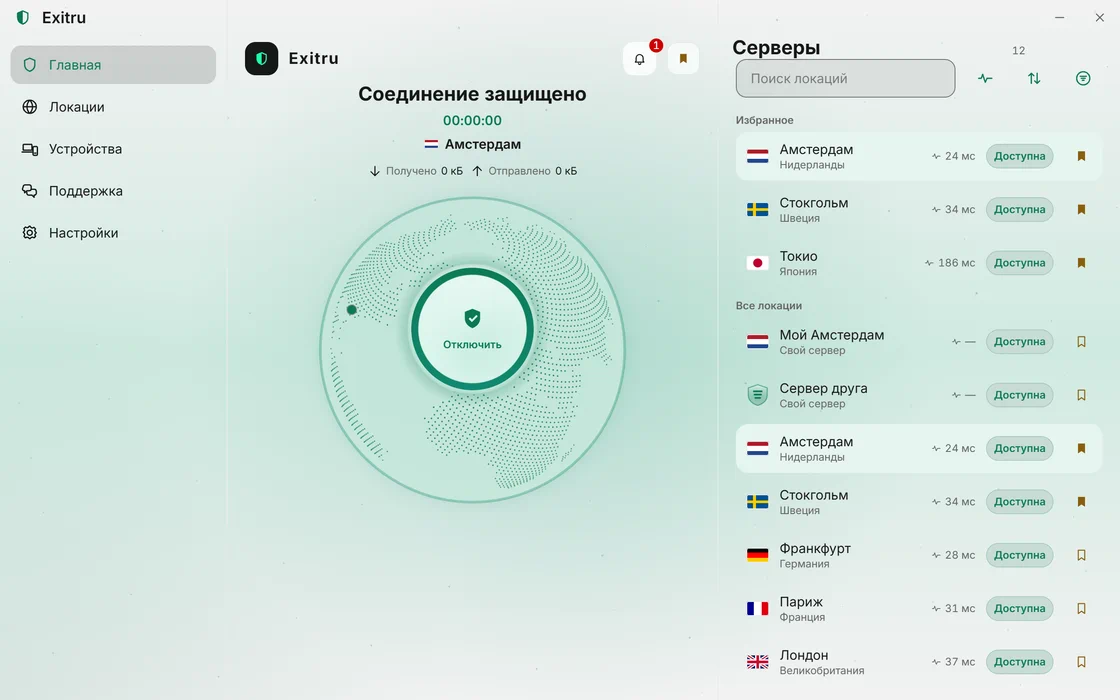
Open the app
Sign in with the same account you use on the site. The device registers itself and shows up in your account.
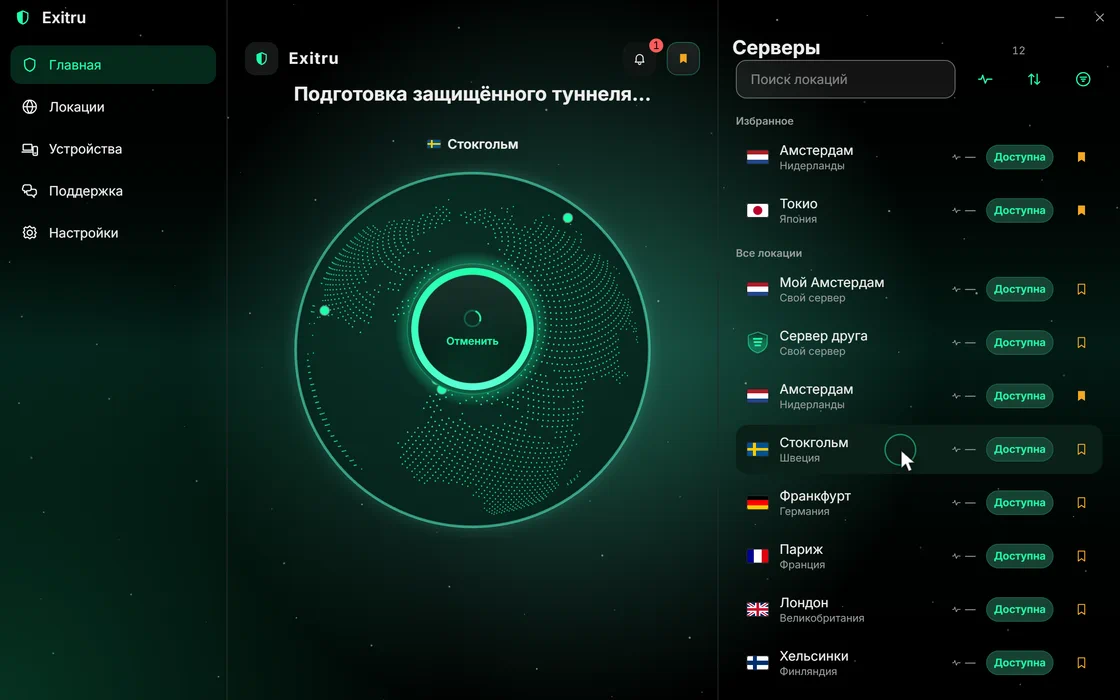
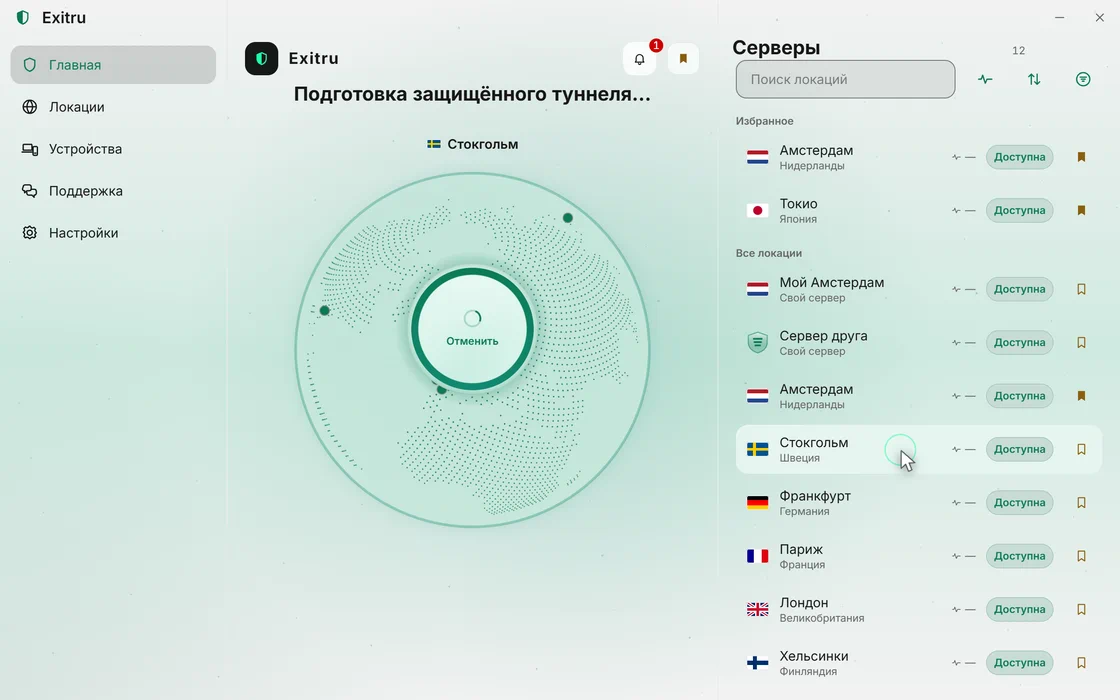
Pick a country
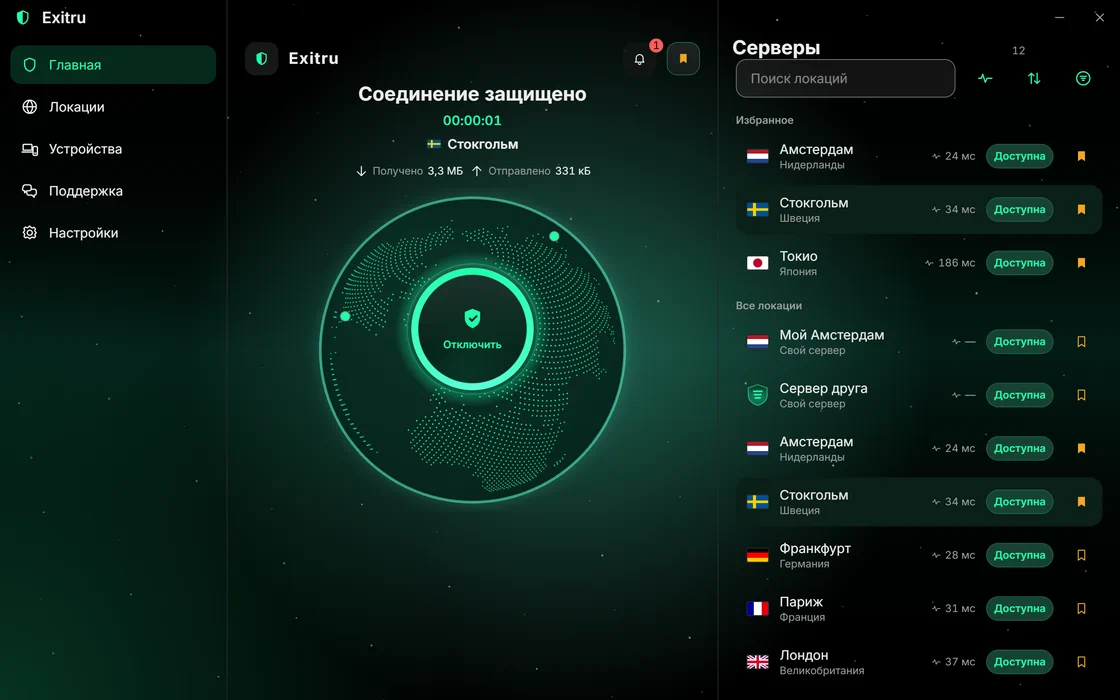
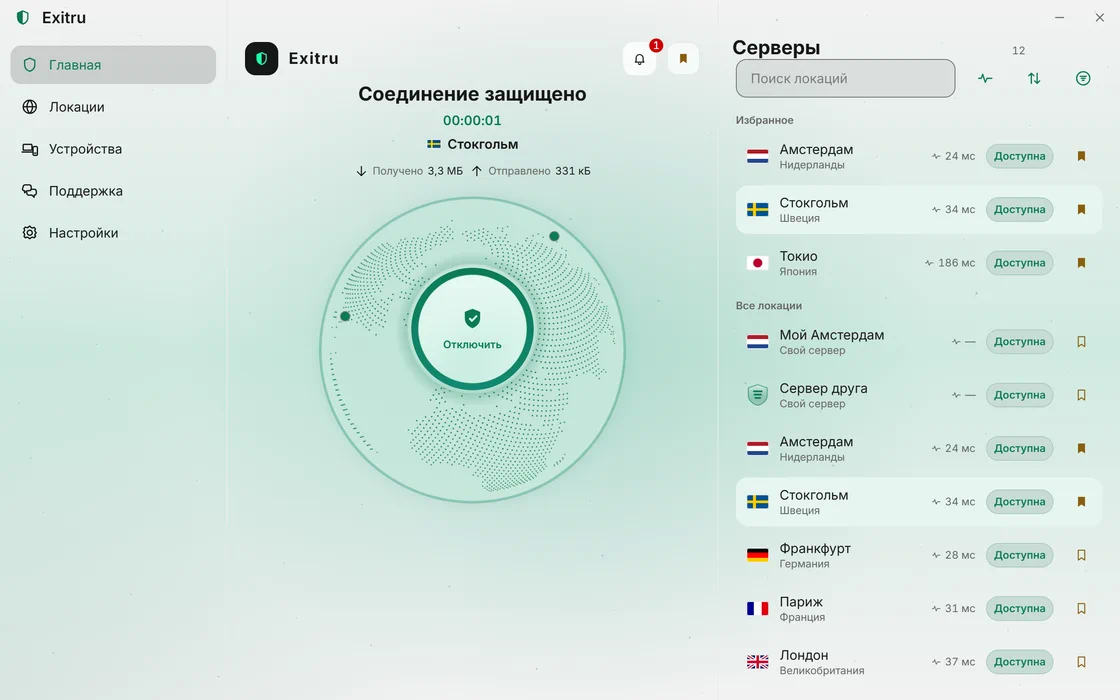
Go online from wherever suits you. You can switch the country at any time — even for every connection.
Connect
One tap. The app picks the way to connect on its own — based on what your network lets through right now.
On all your devices
One account for your computer and your phone. Devices are listed in your account, and removing one takes a single click.
The phone app is on its way
Honestly
No fine print
What is usually buried in the terms comes first here.
We do not log where you go
Site addresses, DNS queries and traffic contents are not stored: destination logging is switched off on our servers. We keep only connection time, traffic volume and error codes — payments and support do not work without them.
Details are in the privacy policyTime Volume Where 09:41 38 MB not logged 12:07 1.2 GB not logged 18:53 640 MB not logged This is what we keep from a connection Pay for time, not for gigabytes
No traffic counter and no speed cap. Plans differ only in how long they last.
No auto-renewal
You pay once for the period you choose. Renewing is your call: we never charge you on our own.
No card needed to start
An email and a password are enough to sign up. Payment details are needed only when you decide to buy a plan.
For those who know
Under the hood
Four things for people who know what they need. They stay out of everyone else’s way: the app works fine without them.
Your own proxies, same button
Bought proxies somewhere else? Paste them as they are, even as a list: the app parses the lines and skips the junk in between. They join the same list as our servers.
SOCKS5 and HTTP · one at a time or as a list
Your own server — no subscription
Rented a Linux server? The app logs in over SSH and sets up the VPN by itself. The server is yours, the keys are yours, and you pay only for the rent. Share access with your devices and friends by code.
Linux VPS, SSH login · any of the six protocols
You choose what goes through the VPN
Your bank and government services go direct, everything else through the VPN. Build the lists yourself, take ready-made ones or get them from a friend.
Split tunneling · by sites and addresses
Six protocols in one app
Usually every way around a block needs its own app and its own configs. Here they all live in one: if one does not get through, pick another in the settings.
AWG 2.0 · AWG 3.0 · VLESS + Reality · VLESS-HTTP · Outline (Shadowsocks) · Hysteria 2
Apps
One subscription for all your devices
Where the app is ready, download it. Where it is on its way, create your account now: it will be the same one.
Windows
Windows 10 and newer, 64-bit
macOS
macOS 14 and newer
On its wayAndroid
Android 8.0 and newer
On its wayiOS and iPadOS
iOS 17 and newer
On its way
Pricing
What it costs
Plans differ only in how long they last. Locations, protocols and the number of devices are the same on every plan.
1 месяц
RUB 199for 30 days
One-off payment, no auto-renewal
- 3 devices per account
- All locations
- All six protocols
- All apps
3 месяца
RUB 499for 90 days
≈ RUB 166.34 per month
- 3 devices per account
- All locations
- All six protocols
- All apps
1 год
Best valueRUB 1,490for 365 days
≈ RUB 122.47 per month
- 3 devices per account
- All locations
- All six protocols
- All apps
Support
A person answers
Write in whatever language suits you: a person reads it, not a bot.
Email
Works without an account or the app — for when you cannot sign in or pay.
support@exitru.netChat in your account
Faster than email: an operator sees your message right away, and you can attach a screenshot.
Go to your account
Questions
The essentials
What do you keep about me?
Connection time, traffic volume and error codes — payments and support are impossible without them. Site addresses, DNS queries and traffic contents are not stored: destination logging is switched off on our servers.
How many devices can I connect?
As many as your subscription allows. Used and free slots are shown in your account under “Devices”; removing a device frees its slot right away.
What happens if a server gets blocked?
The app is not tied to one address: its settings come from us and update themselves, so switching servers or protocols happens without you doing anything.
Do I need to set anything up by hand?
No. The app fetches its settings and picks a protocol based on your network. If you like, you can pin the protocol and the country in the app settings.
Do I need a card to start?
No. You sign up with an email and a password and confirm the address via a link in the email. Payment details are needed only when you decide to buy a plan.
Try it on your own network
Signing up takes a minute: an email, a password, a link in the email.
Already have an account? Sign in